
Caregiving is shifting as longer life spans, smaller family networks and workforce pressures increase the demand for practical support. The growing need for caregivers also raises a difficult question: how can families provide reliable help without limiting an older adult’s independence?
Artificial intelligence, connected sensors and mobile services are becoming part of the answer. Used thoughtfully, these tools can reduce routine work, identify safety concerns and help caregivers focus their time where personal attention matters most.
Evolving Caregiving Dynamics
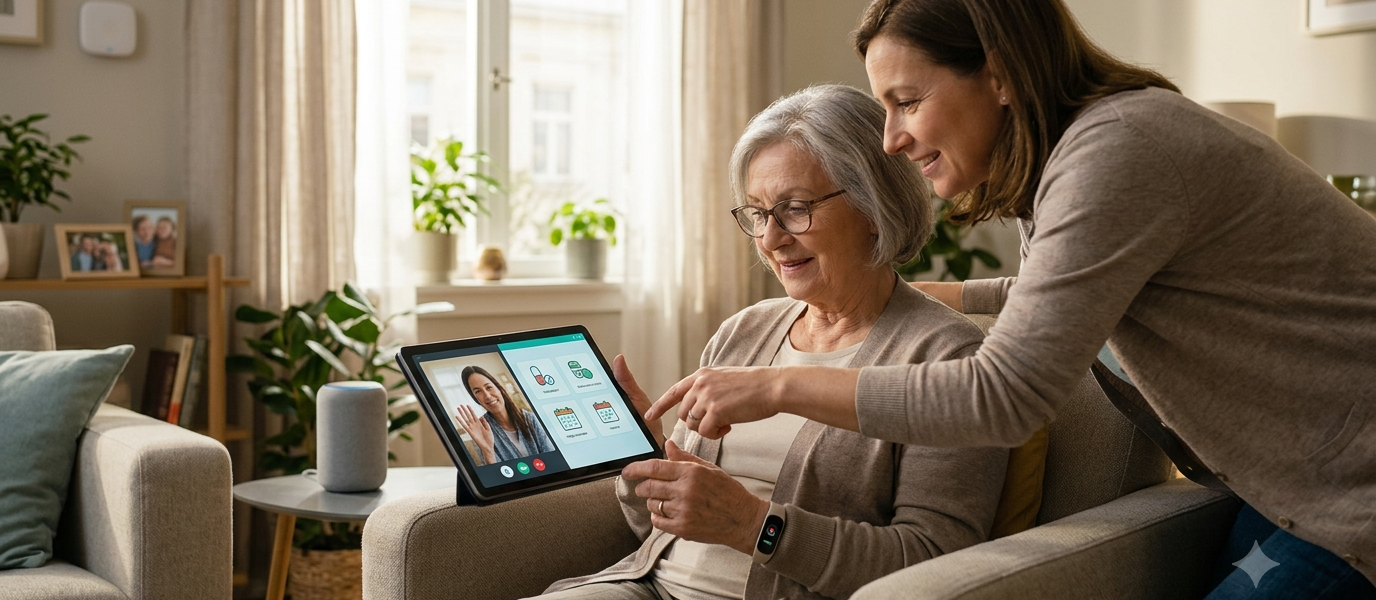
Family caregiving now often involves coordinating support across several homes, schedules and locations. An adult child may manage appointments from another city while a local neighbor checks in and a professional caregiver handles specific daily tasks. Shared calendars, medication reminders and secure communication platforms can keep everyone working from the same information.
Families should begin by identifying recurring challenges. These might include missed check-ins, difficulty reaching help or uncertainty about daily routines. For Canadian seniors who live independently, a seniors personal medical alert can provide access to 24/7 emergency response through home or mobile alert options. The best solution fits the person’s mobility, comfort with technology and usual activities.
AI’s Role in Daily Support
AI can help caregivers spot meaningful changes across large amounts of routine information. A system might detect that someone has started waking several times each night, opening the refrigerator less often or missing scheduled activities. These patterns can prompt a conversation or health assessment, though they shouldn’t be treated as a diagnosis.
Current examples of AI and analytics in home care include predictive monitoring, scheduling support and analysis of care trends. Voice assistants can also provide reminders, answer simple questions and control compatible household devices. Caregivers should review AI-generated alerts in context and confirm important concerns with the person involved or an appropriate professional.
Smart Devices for Enhanced Safety
Smart home devices can address specific risks without requiring constant observation. Motion sensors may illuminate a hallway at night, while water sensors can warn of a leaking sink before major damage occurs. Video doorbells, smart locks and automated lighting may also help older adults manage visitors and household access.
Choose devices based on a real need instead of filling the home with disconnected products. Check whether each device has battery backup, clear alerts and simple controls. Families should also test who receives notifications and what happens when internet service fails. A monthly check of batteries, contact details and response procedures can prevent a useful device from becoming unreliable at the moment it’s needed.
Balancing Tech with Human Touch
Technology works best when it supports relationships and respects personal choice, especially as we explore the merging of humans and technology. Before installing a sensor or activating location tracking, explain what information the device collects, who can see it and how long the data is stored. Consent should be an ongoing conversation because comfort levels and care needs can change.
Human contact remains central to good caregiving. A movement alert can show that someone entered the kitchen, but it can’t reveal loneliness, confusion or frustration. Regular calls and in-person visits provide context that data cannot capture. Caregivers should also avoid reacting to every minor notification. Agreeing on alert thresholds helps reduce unnecessary interruptions while keeping genuine safety concerns visible.
Preparing for Tomorrow’s Needs
Care needs rarely remain fixed, so families should review their setup every six to 12 months or after a health change, move or fall. Start with practical questions: Can the person activate an alert easily? Are emergency contacts current? Does the technology still match daily routines? Is there a clear backup plan during a power outage?
Keep instructions in plain language near frequently used devices and give copies to trusted caregivers. Account access should be protected with unique passwords and multi-factor authentication when available. It also helps to document which services require subscriptions, where devices are installed and whom to contact for technical support.
The most useful care plan is one that can adapt without creating confusion. A scheduled review around a birthday, annual appointment or seasonal clock change gives families a consistent moment to test devices, update contacts and ask the older adult what is working well.