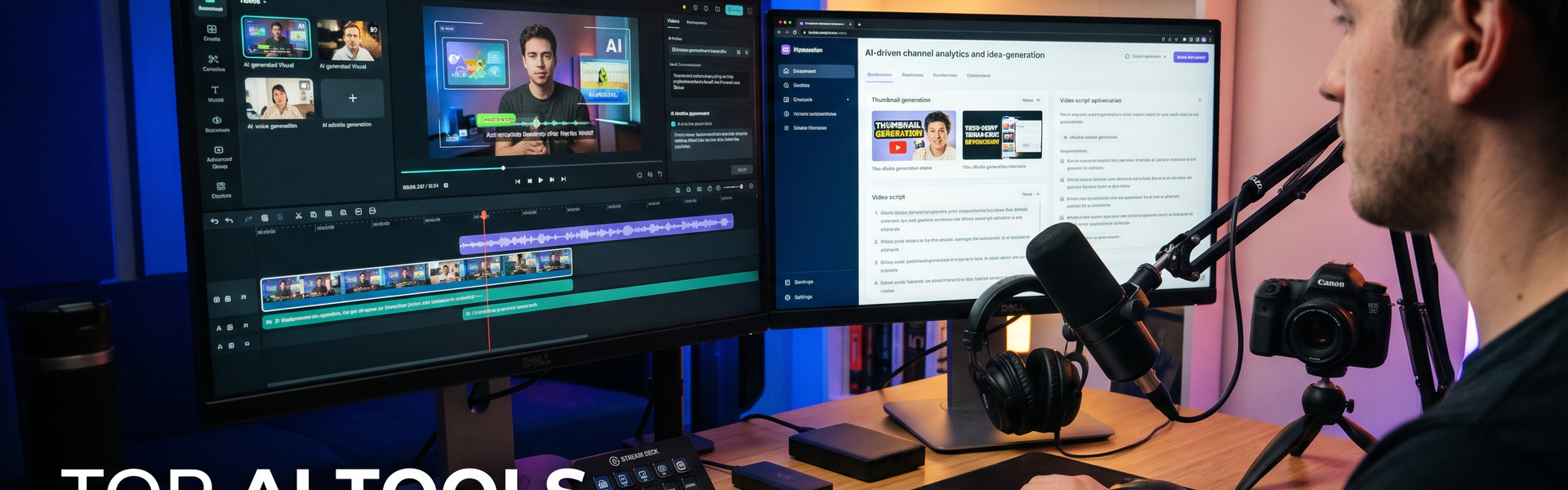

YouTube is becoming more competitive, and creating quality videos consistently requires much more than recording footage and uploading it. Creators must research topics, write scripts, design thumbnails, edit videos, optimise titles, understand audience behaviour and promote their content.
Artificial intelligence is changing how these activities are performed.
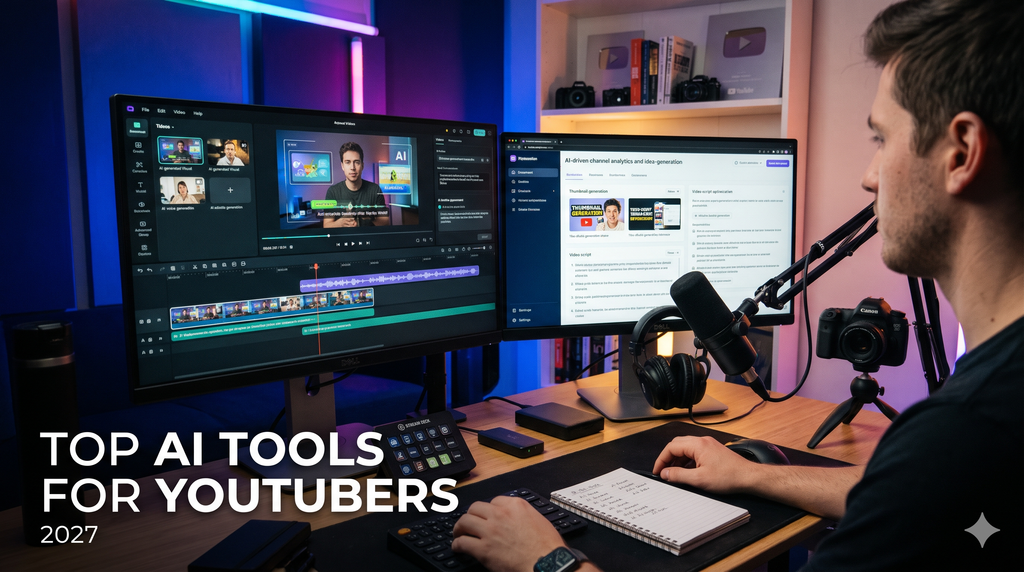
In 2027, YouTubers who understand how to use AI intelligently will have opportunities to produce content more efficiently, experiment with new formats and build stronger channels without necessarily hiring a large production team.
Here are ten AI tools every YouTuber should consider learning.
1. ChatGPT – Your AI Scriptwriter and Content Strategist
Website: https://chatgpt.com/
ChatGPT can help YouTubers brainstorm video ideas, research topics, develop scripts, create compelling introductions and plan content calendars.
Creators can also use it to generate interview questions, structure educational videos, develop storytelling approaches and repurpose long-form videos into short-form content ideas.
One particularly useful application is analysing a video concept from the viewer’s perspective and identifying why someone would want to watch it.
Why learn it: It can support almost every stage of content planning and help creators move from scattered ideas to structured video concepts.
2. Google Gemini – Research and Creative Assistance
Website: https://gemini.google.com/
Gemini can assist with research, brainstorming, summarising information and analysing supported content formats.
YouTubers can use it to investigate trending subjects, explore different perspectives, prepare educational material and organise information before writing scripts.
Its integration with Google’s ecosystem can also be useful for creators who work extensively with Google Workspace.
Why learn it: It offers another AI research and productivity environment, helping creators explore ideas and organise their production workflows.
3. CapCut – AI-Powered Video Editing
Website: https://www.capcut.com/
CapCut has become a popular editing tool among YouTube creators, particularly those producing Shorts and social media videos.
Its features include automatic captions, background removal, editing assistance, templates and AI-supported video effects.
Creators can use it to edit short videos, add subtitles, improve visual pacing and create different versions of content for different platforms.
Why learn it: Efficient editing and captioning can make regular content production easier, especially for creators working independently.
4. Descript – Edit Videos by Editing Text
Website: https://www.descript.com/
Descript offers an interesting approach to video editing. It transcribes recordings and allows creators to edit their videos through the transcript.
For example, removing a sentence from the transcript can remove the corresponding section from the recording.
It also provides tools for audio improvement, filler-word removal and content repurposing.
Why learn it: It can save considerable editing time for podcasters, interview channels, educators and creators producing talking-head videos.
5. Runway – AI Video Generation and Visual Effects
Website: https://runwayml.com/
Runway provides AI-powered tools for video generation, visual editing and creative effects.
YouTubers can explore its capabilities to create supporting visuals, generate cinematic sequences, experiment with backgrounds and develop creative transitions.
It can be particularly useful for storytelling, explainer videos, advertisements and experimental visual content.
Why learn it: AI video generation creates new possibilities for creators who want to produce visually engaging content without filming every scene themselves.
6. ElevenLabs – Professional AI Voiceovers
Website: https://elevenlabs.io/
ElevenLabs offers text-to-speech, voice generation, dubbing and other audio production capabilities.
YouTubers can use it to produce narration for explainer videos, educational content, documentaries and multilingual versions of their videos.
It can also help creators explore voice production when recording equipment or studio access is limited.
Why learn it: High-quality narration can improve video production, particularly for faceless channels and information-led content.
Creators should use voices they own or have permission to use, and follow applicable platform disclosure requirements for synthetic media.
7. Canva AI – Thumbnails and Visual Branding
Website: https://www.canva.com/
A YouTube thumbnail can influence whether someone decides to click on a video.
Canva provides AI-assisted design features that help creators develop thumbnails, channel banners, promotional graphics and presentation visuals.
Creators can experiment with different layouts, visual elements and brand styles without needing advanced design skills.
Why learn it: Consistent visual branding and clear thumbnails can improve the presentation of a YouTube channel.
8. vidIQ – YouTube Research and Channel Growth
Website: https://vidiq.com/
vidIQ provides tools designed specifically for YouTube creators.
Its features include keyword research, topic discovery, competitor analysis, video optimisation and AI-assisted content suggestions.
Creators can use it to explore search demand, understand competing videos and identify subjects that may be relevant to their audience.
Why learn it: It helps creators make more informed decisions about what to publish rather than relying entirely on guesswork.
9. OpusClip – Turning Long Videos into Shorts
Website: https://www.opus.pro/
Creators who produce interviews, podcasts, webinars and long-form videos often have valuable content that can be repurposed into shorter clips.
OpusClip uses AI to identify potential highlights and generate short-form video versions, with features such as captions and reframing.
A single long interview can potentially generate several clips for YouTube Shorts and other social platforms.
Why learn it: Repurposing existing footage can help creators increase content output without recording an entirely new video for every upload.
10. TubeBuddy – Optimising Your YouTube Publishing Workflow
Website: https://www.tubebuddy.com/
TubeBuddy provides tools for YouTube channel management, keyword research, metadata optimisation and workflow assistance.
It can help creators evaluate titles, organise publishing activities and explore ways to improve video discoverability.
Its tools complement creative AI applications by focusing on the operational and optimisation side of running a channel.
Why learn it: Better publishing workflows can help creators maintain consistency and make more informed decisions about channel growth.
How YouTubers Can Combine These AI Tools
Learning ten tools simultaneously is unnecessary. The better approach is to build a workflow in which each tool serves a specific purpose.
A practical YouTube production workflow could look like this:
Step 1 – Research: Use Gemini, ChatGPT and vidIQ to explore topics and understand audience interests.
Step 2 – Scriptwriting: Use ChatGPT to develop the script, opening hook, storytelling structure and call to action.
Step 3 – Production: Record the video and use Runway or ElevenLabs where AI-generated visuals or narration are appropriate.
Step 4 – Editing: Use CapCut or Descript to edit the footage, improve audio and create captions.
Step 5 – Packaging: Use Canva to develop thumbnails and channel graphics.
Step 6 – Repurposing: Use OpusClip to identify short-form content opportunities from longer videos.
Step 7 – Optimisation: Use TubeBuddy and vidIQ to review titles, descriptions, keywords and publishing performance.
The Future of YouTube Belongs to Creators Who Use AI Intelligently
AI is making several aspects of video production faster and more accessible. However, technology alone does not create a successful YouTube channel.
The most important ingredients remain an interesting perspective, valuable information, compelling storytelling and a genuine understanding of the audience.
Creators should also remember that AI-generated content needs human judgement, factual verification and originality. Repetitive, mass-produced or misleading content is not a reliable shortcut to long-term channel growth or monetisation.
In 2027, the advantage will belong to creators who use AI to improve their creativity rather than surrender it.
The objective is not to make AI the YouTuber. It is to make AI the production team that helps the YouTuber do better work.