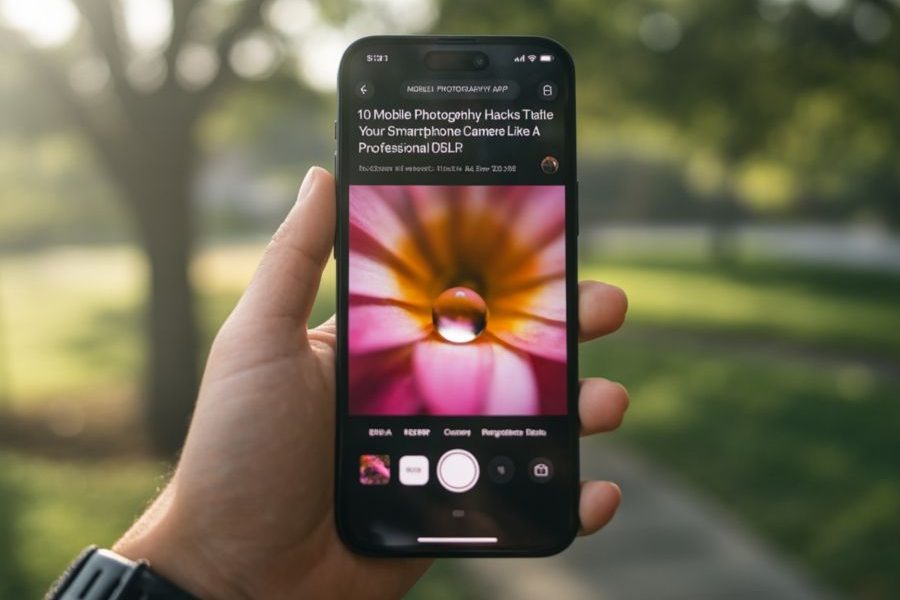
10 Mobile Photography Hacks That Make Your Smartphone Camera Feel Like a Professional DSLR

Smartphone cameras have become remarkably powerful, with flagship devices capable of producing stunning photos that rival dedicated cameras in many situations. Yet, the biggest difference between an average photo and a professional-looking one often isn’t the phone—it’s how it’s used. By learning a few simple techniques, anyone can dramatically improve the quality of their mobile photography.
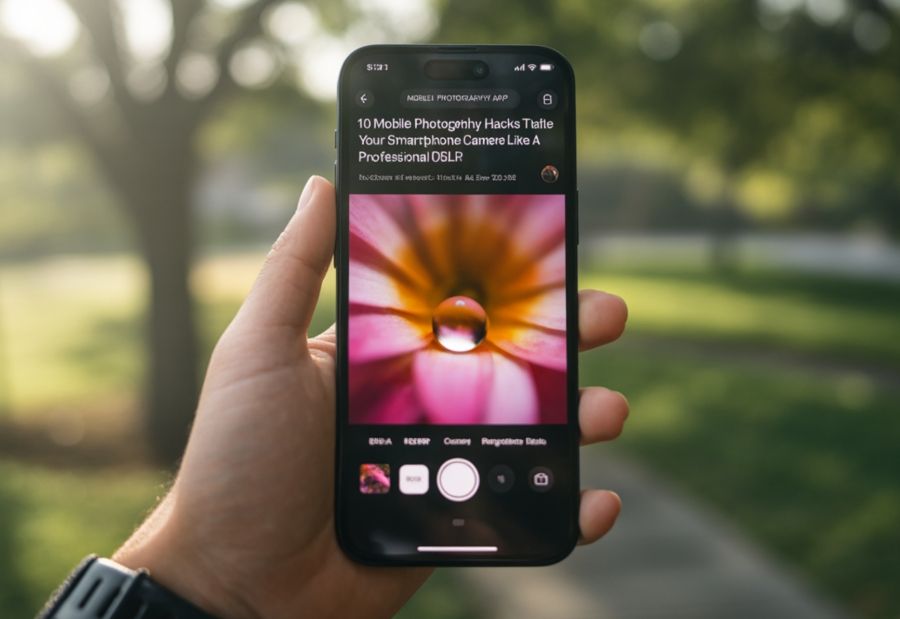
Here are ten practical hacks that can help your smartphone camera capture images that look as though they were taken with a professional DSLR.
1. Clean the Camera Lens Before Every Shoot
It sounds obvious, but it’s the most overlooked step. Dust, fingerprints, and pocket lint can make photos appear hazy and reduce sharpness. A quick wipe with a microfiber cloth before clicking a picture can instantly improve image clarity.
2. Use Natural Light Whenever Possible
Professional photographers often prioritize lighting over equipment. Early morning and late evening, known as the “golden hour,” provide soft, warm light that enhances portraits, landscapes, and architecture. Avoid harsh midday sunlight whenever possible.
3. Tap to Lock Focus and Exposure
Instead of simply pressing the shutter button, tap your subject on the screen to lock focus. On many smartphones, you can also adjust exposure by sliding your finger up or down. This gives you much greater control over brightness and sharpness.
4. Turn On Grid Lines
Enable the camera grid in your settings. The Rule of Thirds helps position subjects more effectively, creating balanced and visually appealing photographs. Professional photographers rely on composition just as much as camera quality.
5. Avoid Using Digital Zoom
Digital zoom simply crops the image and often reduces quality. If possible, walk closer to your subject or use your phone’s optical zoom lens instead. You’ll retain significantly more detail and produce sharper photos.
6. Shoot in Pro or Expert Mode
Many smartphones now include Pro Mode, allowing manual adjustment of ISO, shutter speed, white balance, and focus. Learning these basic controls gives you creative flexibility similar to that of professional cameras, especially in low-light or creative photography.
7. Use Portrait Mode Thoughtfully
Portrait Mode can create beautiful background blur, but it works best when there is sufficient distance between the subject and the background. This creates a more natural depth effect and helps the subject stand out.
8. Keep Your Phone Stable
Even the best camera struggles with shaky hands. Use both hands while shooting, lean against a wall, or carry a compact tripod for night photography and long exposures. Stable shots are almost always sharper and more professional.
9. Edit Your Photos Lightly
Professional photography doesn’t end after pressing the shutter. Simple adjustments to brightness, contrast, highlights, shadows, and color temperature can significantly enhance an image. Avoid excessive filters—subtle editing usually delivers the most natural and timeless results.
10. Think Like a Photographer, Not Just a Phone User
The biggest difference between casual snapshots and professional photographs is perspective. Experiment with different angles, crouch lower, shoot from above, frame subjects creatively, and use leading lines or reflections to add depth. Great photography begins with observation, not expensive equipment.
Your Smartphone Is More Powerful Than You Think
Modern smartphones are equipped with advanced sensors, AI-powered image processing, and professional-grade camera systems. But technology alone doesn’t create memorable photographs. Light, composition, patience, and creativity remain the true ingredients of exceptional photography.
The next time you reach for your phone, don’t just take a picture—create one. With these simple techniques, your smartphone can become far more than a communication device. It can become a powerful creative tool capable of capturing moments with the quality, emotion, and impact of a professional photographer.