
AI technology changes a lot. For instance, a user would have had to possess skills rooted in graphic design, photography, illustration, or a photo editing app. Now, they can use the power of technology with an AI image generator to create an image from text in just minutes. This is an engaging new medium for content creators.
What is an AI image generator?
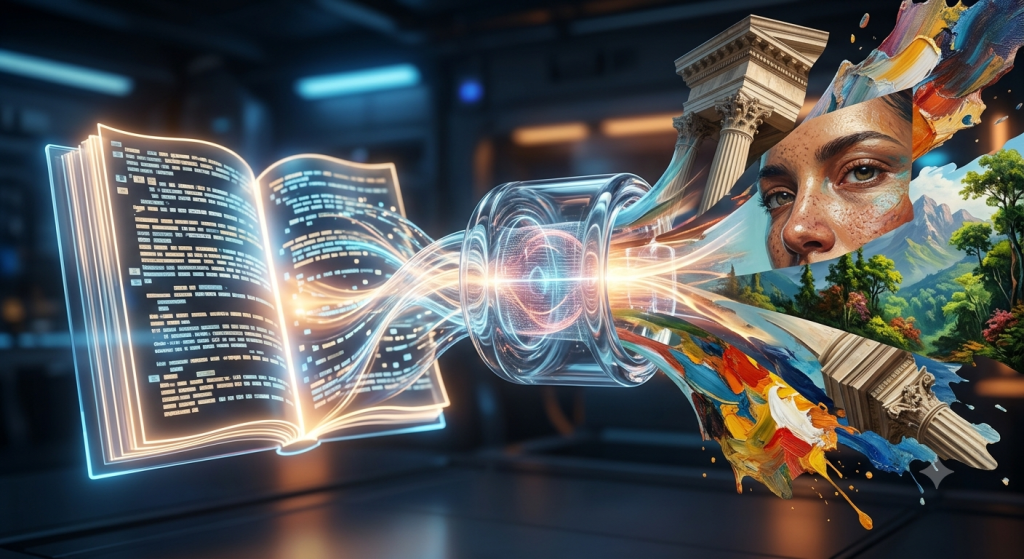
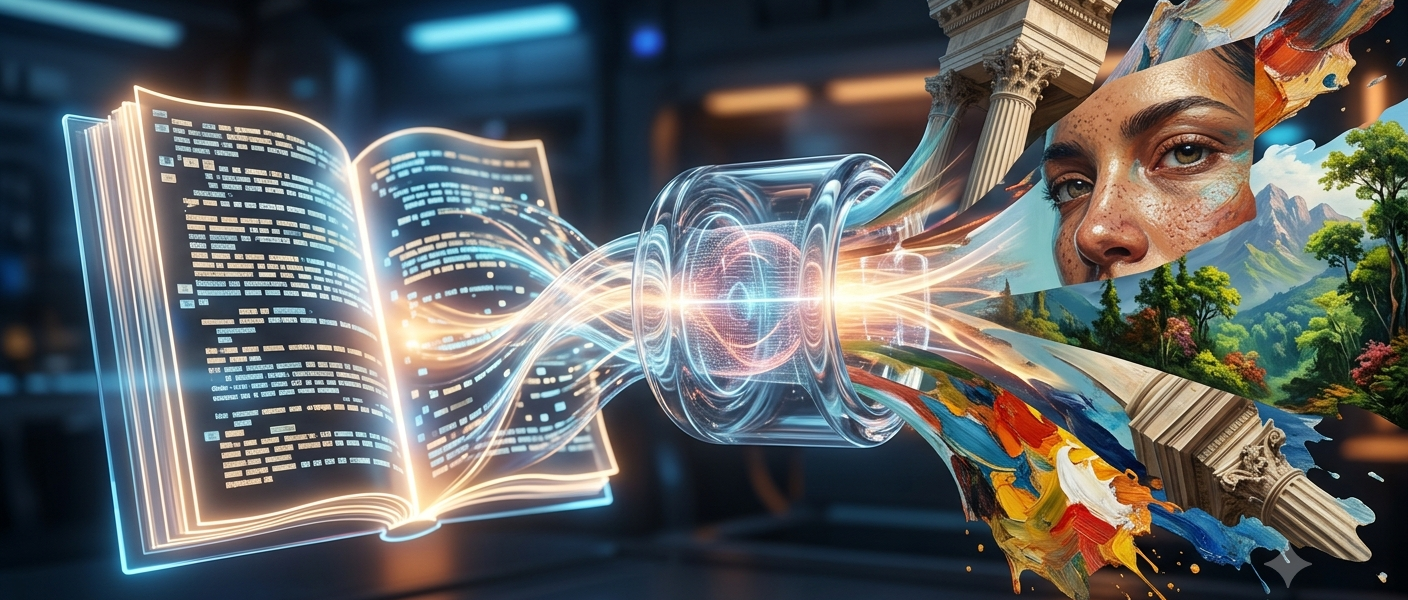
An AI image generator algorithm is a machine learning model trained to create or manipulate images by using AI technology in response to an input provided by the user in the form of a prompt. Whether you’re talking about a scene, a thing, a person, a place, digital art, or a promotional concept, you can tell the generation model what to produce.
And these days you won’t even have to generate an image from text. A few of the other generative image fashions take in a reference picture for guidance on composition, comparable to CapMin.
From Simple Ideas to Eye-Catching Images
Details such as lighting, perspective, mood, tone, style, composition, and colour scheme are essential. These are the details you need to provide to the model to generate the perfect image. Feed the details to the system, which then ascertains the descriptions and outputs a composition using the knowledge it has learned to generate the appropriate visual.
How to write a prompt?
The output images are generated based on the prompt that the user writes. Elements to add to that user prompt:
An image to generate from. The briefer the prompt, the more an AI system must assume what you want, leading to inconsistent outcomes. The longer the prompt, the more extra possibilities you have to add extraneous information, which can make the outcomes more unpredictable. With most visual content, more descriptive information is usually helpful.
CapCut – prompt generator
AI image generator that creates an image from text in just minutes. The prompt generator asks you to describe the character or object, environment, character/object, lighting, mood, composition, and style, and whatever else it needs to create an image.
Can Existing Images Be Reused?
Certain tools have image-to-image processes, which can be useful if a creator already has their images or photos that they want to use to morph the images into a final image. You don’t have to work everything out alone if you have reference images that show the model what feeling or composition to aim for. CapCut also has image-to-image workflows to give you that freedom.
How do I make an image?
The best way to make an image is as part of the iterative process that helps designers and creators select the best initial idea and then experiment to flesh it out. A marketer, for example, working on a social campaign might generate multiple shots, then swap out backgrounds, swap out characters, crop for certain shots, change the style or mood, etc. The best image-generation workflows are not rigid and do not need to be robotic, like using a camera.
Where Can I Use An Image Generator?
As you can generate images of worlds and objects, you could, in theory, use them in many areas of creative work. Some people use the technology to generate early-stage ideas. Instead of spending hours piecing together the images, a team could generate several versions of what they think a scene looks like.
Conclusion
As impressive as photorealistic images are, generative AI says you can build on them. In the future, one of the ultimate goals will be to generate an even more natural-looking image that is more likely to be validated by a person’s instructions and does not take a long time.